From banking and shopping to researching and applying for jobs, pretty much every aspect of our daily lives has become faster and more convenient with the help of computers. Yet every day, computer owners around the world learn that the conveniences of technology can, quite literally, be stolen from you. Between the virtual theft of personal information and the material theft of laptops and desktop PCs, our computers can also put us at great risk for loss.
Luckily, there are plenty of ways to protect your identity and personal property from falling into the wrong hands. In addition to electronic safeguards like firewalls, filters, and anti-virus software, you can find many other safety devices that physically prevent theft and block unauthorized access to your computer drives, personal records, and online accounts.
Known as some of the simplest devices out there for preventing access to USB ports, USB locks look very much like standard flash drives, but aren’t designed to store data. Instead, they lock into place as soon as they’re inserted into USB ports, and can only be removed with a special key. Just pop them into your computer’s USB ports before you walk away, and they’ll prevent potential data thieves or computer vandals from downloading your personal information or uploading viruses and worms via USB drive.
Technically considered to be an accessory to the USB lock, a USB port block can also help bar unauthorized access to your computer’s USB ports. Port blocks are very basic – they’re pretty much just tiny plates that cover USB ports so they can’t be tampered with. Just keep in mind that if you’re going to use one, you’ll also need to have a USB lock on hand to fasten it to your computer. When a USB lock is slipped through the square hole in a port block and snapped into a USB port, the port blocker then automatically covers one of the adjacent USB ports.
For those of you who like to lounge around Starbucks with your laptop but are afraid of what might happen to it when you dash to the restroom, a computer lock/alarm combo could be just the ticket. Easy to use and extremely portable, the MicroSaver® alarmed computer lock by Kensington secures your notebook computer to a table, desk, or other hard to move piece of furniture. But it really goes the distance by sounding an alarm that can heard up to 50 feet away should anyone try to cut the lock cable or remove it from your laptop’s security slot.
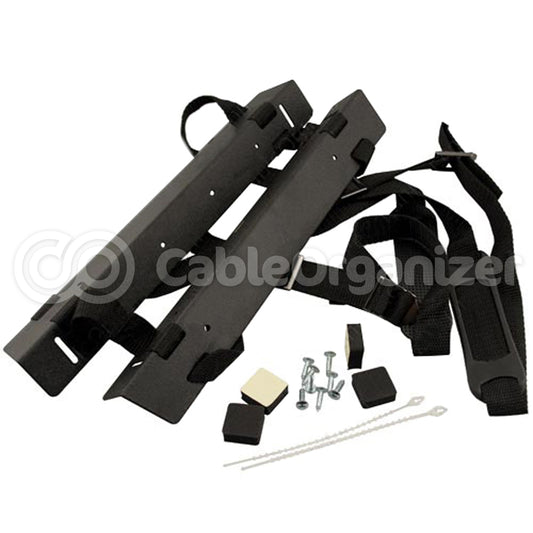
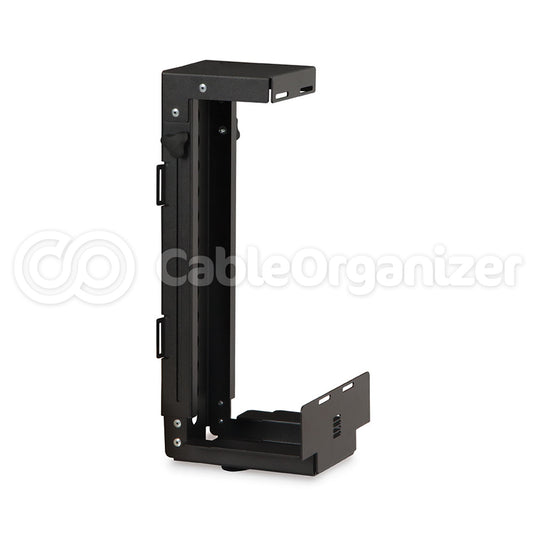
Perfect for use in high-traffic workplaces where you never know who may wander in or out, this computer cabinet takes the most direct route to protecting your desktop’s CPU: it locks it up. Black Box’s CPU Security Cabinet fits easily under you desk, right where your computer tower would normally sit – the only difference is that your CPU is now completely encased in a locking enclosure that denies unauthorized access to CD and disk drives. To make authorized access easier, the enclosure has a slide-out tray that lets you pull your CPU out for maintenance in just seconds.
The cousin of the CPU cabinet we just talked about, this locking laptop cabinet from Black Box is ideal for college students living in dorms, or people who work in an office but rely on a notebook instead of a desktop computer. Leaving a laptop unprotected in these environments can result in the theft of information or your entire computer, so a secure storage space is always wise. This lockbox can be mounted right under your desk, so when you’re finished working, all you need to do is unplug your laptop, slide it into the box, and lock things up before leaving the premises.
Speaking of laptop safety in public places, if you ever worry that someone nearby will glance sideways and take a gander at personal information on your computer screen (like social security numbers, credit card info, or banking transactions), you can ease your mind with a 3M notebook privacy filter. This clear overlay slides over your laptop screen, and while you’ll be able to see everything perfectly, anyone who looks on from an angle will just see a dark screen.
PC security has finally gone biometric, and it’s a good thing, because the only passwords that can’t be forgotten or stolen are the ones right on your fingertips. While the Silex USB fingerprint reader can’t prevent someone from physically stealing your computer, it will keep anyone other than you from accessing your passwords, logins, and personal files. Just hook the Silex fingerprint reader up to your USB port, and you’ll be able to ensure that your personal information remains for your eyes only.
Small form factor PCs are incredible at saving space in your workplace, classroom or home office, but their compact size can also make them easier for a thief to get away with. Protect your small form factor PC, and even an LCD monitor, with the Davko Anti Theft PC security stand from Kendall Howard. Using a unique support bracket and anti-theft hardware, this computer stand locks a small form factor CPU and flat screen monitor to your desktop in a space-saving configuration that strongly resists tampering and removal.
©2009 CableOrganizer.com, Inc. This article may not be reproduced in part or in full without the written permission of CableOrganizer.com.